












Does your graduation planning feel overwhelming—too many details, no clear timeline, and pressure to make it memorable? Senior year culminates in one ceremony, and families expect it to run smoothly while feeling warm and personal. An elegant graduation day program for senior class gives you the structure to prevent chaos: a clear order of events, graceful transitions, printed keepsakes for guests, and a few intentional touches that honor graduates without extending the ceremony into a marathon. Whether you’re organizing a formal high school commencement program for 500 students or a small senior class graduation ceremony program for an independent school, the principles are the same: clarity, dignity, and moments that matter.


A thoughtful graduation ceremony program balances ritual with personality. The processional, national anthem, diploma distribution, and recessional form the backbone, but adding a graduation program with tribute to parents, a brief award segment, or a senior slideshow turns function into memory. The good news is that with a solid graduation program schedule template, a practical planning checklist, and a few smart tools like program printing services, portable projectors for slideshows, and wireless microphones that reach every corner of the venue, even first-time organizers can deliver a ceremony that feels both polished and heartfelt. This guide walks you through designing a printable senior class graduation program, building a realistic timeline, choosing meaningful senior send-off elements, and avoiding common mistakes that derail flow and emotion.

Why a clear program matters
A formal ceremony program keeps everyone informed and reduces awkward pauses: guests know when to stand for the processional, speakers see their cues, and graduates understand diploma flow. Without a printed graduation ceremony program or a clearly displayed digital program, families wander in late, ushers repeat instructions, and the event loses momentum. Including practical details—venue address, parking notes, processional order—also helps families who arrive from out of town or need accessible seating. A well-designed program becomes a keepsake that families save and re-read years later, so choosing quality heavyweight cardstock paper for printing makes the investment feel intentional. Many schools also post a digital version online for those who prefer phone access, but a physical program still anchors the experience and gives guests something to hold during long diploma sequences.
For schools managing large classes, a graduation program schedule with time estimates beside each item (processional: 5 min, diplomas: 30 min, keynote: 10 min) helps backstage volunteers and AV technicians keep transitions tight and prevents the ceremony from running over. If you’re planning a graduation rites program sample for staff review, build in buffer time for applause and unexpected delays—ceremonies almost always run longer than rehearsals.
What a formal ceremony program includes
A formal graduation ceremony program typically follows a traditional sequence: processional (graduates and faculty enter), national anthem or school song, welcome remarks from the principal or headmaster, candidate presentation (introducing the graduating class), diploma distribution, awards and honors, keynote or student speeches, closing remarks, and recessional. Each element serves a purpose: the processional builds anticipation, the anthem unifies the room, diplomas honor individual achievement, and speeches offer reflection and inspiration. If you add a graduation program with awards and speeches, place those after diplomas or before the keynote to preserve momentum and give award winners their moment without fragmenting the flow.
For a meaningful senior send-off, consider adding one or two personal touches: a tribute slideshow (keep it under 5 minutes), letters to parents read by a student speaker, a rose presentation where graduates hand a flower to a parent or mentor, or a brief video montage of senior memories. These moments create emotional peaks without turning the ceremony into a variety show. Simple presentation clickers help speakers and tech teams advance slides smoothly, and testing the portable projector and sound system during rehearsal prevents awkward tech failures mid-ceremony.
Designing the printed program
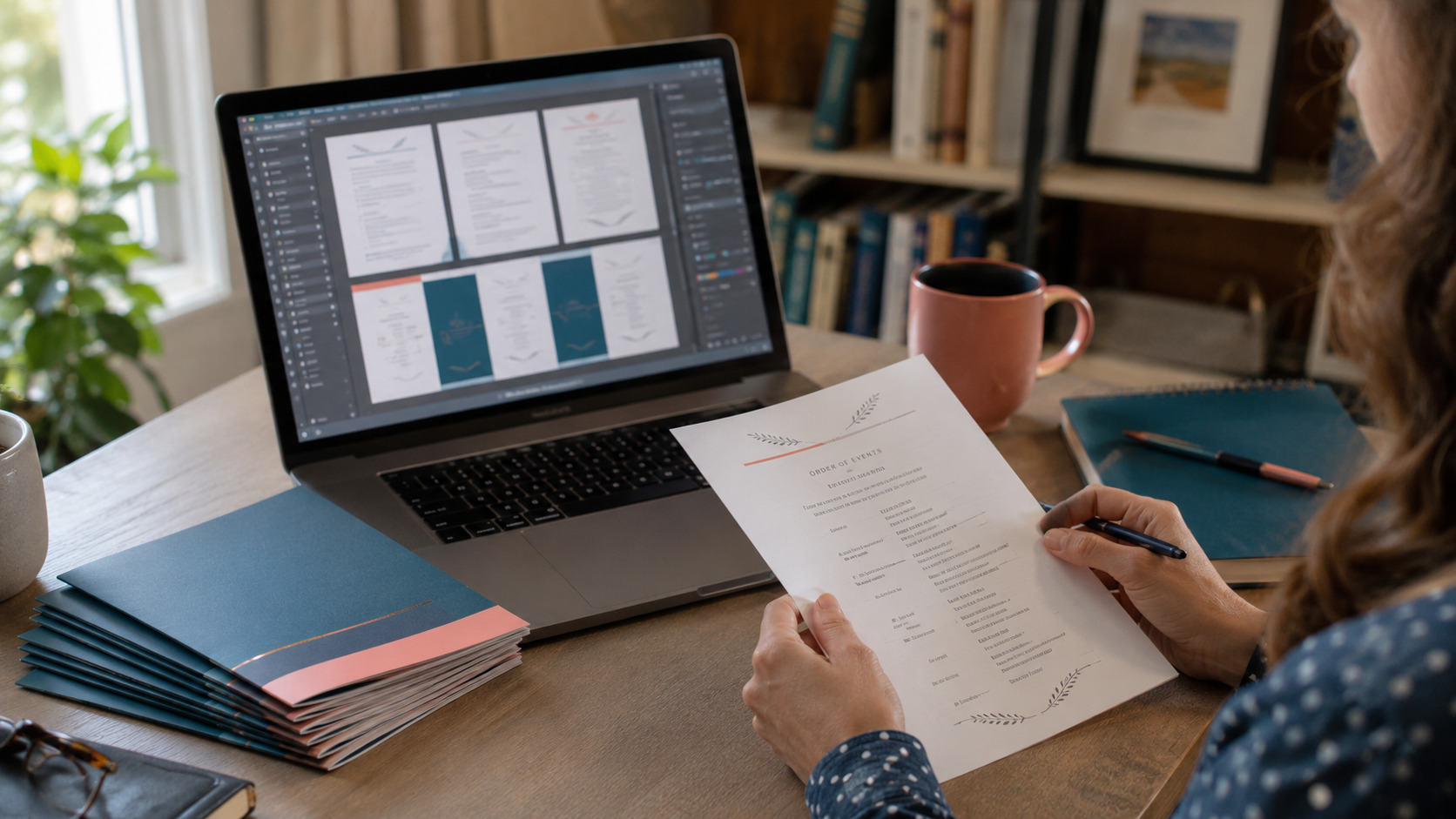
Start with a clean layout: school name and logo on the cover, ceremony date and venue, inside pages for the program order of events, speaker bios, and acknowledgments. Use readable fonts (avoid script for body text), a simple color palette that complements school colors, and consistent spacing so the graduation program schedule is easy to scan at a glance. A single-fold program (one sheet folded in half, creating four panels) works well for most ceremonies; if you have room for photos or a longer class message, a two-page booklet (two sheets folded and stapled) gives more space without feeling cluttered.
For a printable senior class graduation program you can produce at home or send to a local print shop, design in a standard document editor or use free online templates, then test-print one copy at actual size to confirm margins and fold lines. If you want a keepsake feel, order prints on heavyweight paper stock (80 lb cover or higher) so programs hold up in hands and bags; lighter paper feels flimsy and tears easily. Many schools also appreciate having a folding machine to speed assembly if you’re producing hundreds of programs in-house—folding by hand is manageable for small classes but tedious at scale.
Include these sections in the printed program: cover (school name, date, “Commencement Exercises”), inside left (order of events with times), inside right (speaker names and one-sentence bios), and back (acknowledgments, sponsor thanks, and a short class message or quote). If you plan a graduation program with tribute to parents, note that segment in the order of events and consider adding a small “thank you to families” note on the back panel.

Planning checklist: timeline and tasks
Start planning 6–8 weeks before the ceremony and follow this actionable checklist to keep tasks manageable and avoid last-minute scrambles:
Venue and Logistics (6–8 weeks out):
- Confirm venue, permits, and start time
- Reserve sound system, projector, and technician; test equipment
- Arrange seating layout: graduate seating, family seating, VIP section, accessible seating
- Order or reserve stage backdrop and ceremony signage for wayfinding
Program Content (5–6 weeks out):
- Book speakers, emcee, and readers; confirm bios and headshots
- Draft program order of events; time each segment and circulate master copy to administration
- Collect senior photos and quotes for slideshow or program insert
- Plan tribute elements (slideshow, awards, parent acknowledgment)
Design and Printing (4–5 weeks out):
- Design program layout; proof copy with at least two readers
- Test-print one sample to check folds, margins, and readability
- Order printed programs on quality paper; add extra 10% for replacements
- Prepare digital version for website or email distribution
Rehearsal and Coordination (2–3 weeks out):
- Organize rehearsal schedule; confirm graduate attendance
- Recruit and train volunteer ushers; provide them with clipboards and seating charts
- Prepare diploma envelopes, name cards, and stage flow sheet for presenters
- Finalize slideshow and test projector, remote, and audio during rehearsal
Day-of Preparation (1 week out and day-of):
- Confirm photography/videography team and positions
- Set up check-in tables with portable folding tables for program distribution
- Print extra programs and stage cue sheets
- Review timing and transitions with emcee, speakers, and AV team
This checklist becomes easier when you have the right tools on hand: reliable wireless microphones that reach the back rows, a tested photo slideshow software package for tribute videos, and simple name card templates that speed up diploma staging.
Meaningful senior send-off ideas
Personal touches make the ceremony memorable without extending it unduly. A tribute slideshow (3–5 minutes) set to music can showcase senior moments, but keep it concise—long videos lose audience attention. A “letters to parents” segment, where a student speaker reads a short collective thank-you letter, adds emotion in under two minutes. A rose presentation, where each graduate hands a flower to a parent or mentor as they return to their seat, creates a visual and sentimental moment families photograph and cherish.
If you include a graduation program with awards and speeches, limit each award to a brief introduction and recipient name—long explanations slow momentum. Student speeches should be pre-approved for length and content (aim for 3–5 minutes each), and providing speakers with a presentation clicker helps them control any visual aids without fumbling.
For schools that want a keepsake element, consider printing a small insert—a single sheet with senior photos, memorable quotes, or a class message—that fits inside the program. Families often frame these or tuck them into scrapbooks. You can also create small thank-you tokens for volunteers and speakers using simple gift boxes and thank you cards that match the ceremony theme.
Tips for a smooth high school commencement program
Keep speeches concise and give each speaker a firm time limit; rehearse with a visible countdown timer if possible. Stage managers should have a master program schedule and communicate via headsets or a printed cue sheet distributed before the ceremony. Ushers should arrive early, receive a brief training on seating and program distribution, and carry reference materials on clipboards for quick access.
Test all technology during rehearsal: microphones, projectors, slideshow files, and any live-streaming equipment. If you’re projecting a tribute slideshow or displaying the program order on screens, make sure files are loaded, tested, and backed up on a second device. A backup portable photo printer can be useful for last-minute name cards or keepsake photos, and keeping extra batteries or charging cables on hand prevents small failures from becoming big disruptions.
For large classes, diploma distribution is the longest segment—estimate about 10–15 seconds per graduate (name called, walk across stage, handshake, photo, return to seat) and multiply by your class size to set realistic timing. If your ceremony runs long, consider splitting diploma distribution into smaller groups announced by section or having graduates receive folders on stage with diplomas distributed afterward to save time.
Simple and elegant program templates
If you prefer minimal design, a simple graduation program for senior class uses a single-fold layout: cover, inside left for order of events, inside right for speaker bios, and back for acknowledgments and sponsor notes. This format is easy to design, print, and fold, and it fits neatly in guests’ hands without feeling cluttered. For a more formal graduation rites program, a two-page brochure (two sheets folded and stapled at the spine) allows space for senior photos, a class message, and a detailed event schedule.
Free and paid templates are available online, but customizing a simple document yourself ensures the layout matches your school’s branding and needs. Use a standard page size (8.5 x 11 inches folded in half), set margins at least 0.5 inches on all sides, and choose fonts that are readable from arm’s length—sans-serif for body text, serif or elegant script for headings. Print a test copy on regular paper first, then order final copies on cardstock paper for durability.
Common mistakes to avoid
One of the biggest mistakes is skipping the rehearsal or treating it casually—graduates need to know processional order, where to sit, when to stand, and how to receive diplomas without chaos. Run a full walk-through with music, cues, and timing so everyone experiences the flow before the actual ceremony.
Another common error is overloading the program with too many speakers, awards, or video segments. Each addition extends the ceremony and tests audience patience, especially if families have young children or elderly guests. Aim for a total runtime of 60–90 minutes; if you’re pushing past that, cut or shorten elements rather than hoping people will stay engaged.
Neglecting to test AV equipment is a costly mistake—slideshows that won’t load, microphones that cut out, or projectors with dead bulbs create awkward pauses and frustration. Schedule a full tech rehearsal with all equipment in place, and have backup plans (extra batteries, backup files, printed slides) ready.
Finally, forgetting to print extra programs is surprisingly common. Guests arrive late, families bring extended relatives, and some programs get misplaced or damaged. Order 10–15% more than your expected headcount, and keep a small stack at the check-in table for replacements.

FAQs About Graduation Day Program For Senior Class
How long should a high school graduation ceremony program run?
Most high school commencement programs last 60–90 minutes depending on class size, number of speakers, and added elements like awards or tributes. Time each segment during rehearsal—diploma distribution is usually the longest part—and build in small buffers for applause and transitions. If your ceremony pushes past 90 minutes, consider shortening speeches, combining award segments, or distributing diplomas in groups to keep momentum.
Can I create a printable senior class graduation program at home?
Yes—many schools design and print programs in-house using document software or free online templates; the key is testing a sample print to check margins, folds, and readability. Use heavyweight cardstock for a keepsake feel, and if you’re producing hundreds of copies, a paper folding machine speeds assembly significantly. For professional results on a budget, design at home and send files to a local print shop or online service.
When should I start planning the graduation program?
Begin 6–8 weeks before the ceremony to secure venue details, book speakers, design the program, and allow lead time for printing. Larger or off-site ceremonies may need earlier planning for permits, AV rentals, and vendor coordination. A clear timeline checklist prevents last-minute rushes and gives everyone involved time to review and approve details.
How do I add a tribute to parents without making the ceremony too long?
Keep tributes brief and focused: a 3–5 minute slideshow, a single student reading a thank-you letter, or a quick rose presentation fits naturally after diplomas or before the keynote. Rehearse timing and transitions so the tribute adds emotion without disrupting flow, and avoid multiple tribute segments that fragment the program.
What should be included in the printed program besides the order of events?
Include school name, ceremony date and venue, welcome message, full order of events with approximate times, speaker names and brief bios, list of graduates (if space allows), acknowledgments, and a short class message or inspirational quote. A small keepsake insert with senior photos or memories makes the program more personal and gives families something to save.
Your graduation day program can feel both elegant and effortless when you plan with intention, use clear templates, and focus on moments that matter. Start with one checklist item—booking speakers or drafting the program order—and build momentum from there. Save this guide for planning reference and follow @theclutteredblog on Pinterest for more ceremony templates, printable ideas, and event planning strategies that take the stress out of milestone moments.